
Apply for a Marriage License Online in 2026: Which States Allow It and How
Which states and counties have online marriage license applications in 2026? Step-by-step walkthrough of the digital process, plus a county-by-county guide for the top 20 US metro areas.
Open Free Wedding ChecklistThe Current State of Online Marriage License Applications
States and Counties with Online Marriage License Applications (2026)
Online availability is county-level, not state-wide. These states have at least one major county with an operational online pre-filing or full application portal as of April 2026.
LA County has a full online pre-filing portal. Smaller counties are still paper-only.
Miami-Dade has one of the most complete online systems in the country.
NYC City Clerk Online Marriage Bureau is a full application system. Upstate NY counties are mostly paper.
Cook County offers online appointment booking and pre-filing via the Clerk of the Circuit Court.
Harris County has a well-developed online portal. Rural Texas counties are still in-person only.
Colorado has one of the highest rates of county-level online pre-filing availability.
King County has online appointment scheduling and form pre-fill.
Maricopa offers online appointment booking; the full application still requires in-person completion.
Most Georgia counties are still walk-in or appointment-by-phone only.
Clark County has a streamlined same-day process with online check-in to reduce wait times, popular for Las Vegas weddings.
States That Do NOT Have Online Marriage License Applications
If you are getting married in one of these states, plan on a traditional in-person application from start to finish. Appointment-booking online may still be available even if the application itself is not.
Note: Individual counties within these states may have begun piloting online systems. Always check your specific county clerk website for the most current status.
Step-by-Step: How to Apply for a Marriage License Online
The exact flow varies by county portal, but these eight steps reflect the common structure across the major systems in California, Florida, New York, Illinois, and Texas.
Find Your County's Official Portal
Search "[county name] county clerk marriage license online" and look for a .gov domain. Beware of third-party sites that charge fees to submit your form; the official county site is always free to use.
Create an Account (If Required)
Many counties require you to create a portal account with an email address before starting the application. Use an email you check regularly because confirmation links and appointment reminders will be sent there.
Fill Out Both Partners' Information
Enter full legal names, dates of birth, addresses, Social Security numbers, and prior marriage information for both applicants. Use the exact spelling on your government ID. Many forms time out after 30 minutes of inactivity.
Upload Supporting Documents (Where Accepted)
Some counties accept scanned uploads of divorce decrees or birth certificates to review before your appointment. Use a clear scan at 300 DPI minimum. PDFs are preferred over image files. You will still need originals at your appointment.
Sign Electronically (If Offered)
A small number of counties accept electronic pre-signatures. In most cases, signatures must be provided in person on the actual license document. Check your county's instructions carefully.
Pay Online (If Accepted)
Some counties accept full payment online via credit or debit card. Others collect payment only in person. If online payment is available, paying in advance is the fastest way to get through your appointment.
Book Your In-Person Appointment
After submitting the online form, you will be prompted to schedule your in-person pickup appointment. Bring your confirmation number, all original documents, and payment (if not already paid online). The clerk will verify everything and issue your license.
Receive and Safeguard Your License
The license is typically issued on the same day as your appointment, after the mandatory waiting period passes. Store it in a secure location (not a car or unlocked drawer). Your officiant needs it at the ceremony.
Every Field You Will See on a Marriage License Online Form
Having this information ready for both partners before you start the form prevents you from having to pause halfway through (many county portals log you out after 20-30 minutes of inactivity).
Personal Identity Fields
- Full legal name (first, middle, last)
- Date of birth
- Place of birth (city, state/country)
- Social Security number
- Current home address
- Phone number and email address
Prior Marriage Fields
- Number of previous marriages
- Date(s) of previous marriage(s)
- How previous marriage(s) ended (divorce/death/annulment)
- Date divorce/death occurred
- State/country where divorce was granted
Ceremony and Name Fields
- Planned wedding date
- County where ceremony will take place
- Post-marriage name choice (keep, change, hyphenate)
- Officiant type (religious, civil, self-uniting)
- Race and ethnicity (optional in most states, required for statistics in a few)
Online Application Status: Top 20 US Metro Areas
A quick reference for couples getting married in major cities. Check the official county website for the most current status, as portals update frequently.
Document Upload Tips for Online Applications
When a county portal accepts document uploads ahead of your appointment, following these practices prevents your submission from being rejected or delayed.
Use a Flatbed Scanner, Not a Phone Camera
Phone photos of documents often fail automated quality checks. A flatbed scanner at 300 DPI produces a clean, flat image without shadows or distortion. Library scanners work well if you do not own one.
Upload as PDF, Not JPG
Most county portals prefer PDF format. If you only have image files, convert them with a free tool like Adobe Acrobat Reader, Smallpdf, or your phone's built-in Files app (iOS and Android both have scan-to-PDF features).
Name Your Files Clearly
Use descriptive file names like "Partner1_DriversLicense.pdf" and "Partner2_BirthCertificate.pdf" rather than "scan001.jpg". This helps clerks sort through uploaded documents faster and reduces processing delays.
Bring Originals Regardless
Even when a county accepts pre-uploaded documents, you must still bring every original to your in-person appointment. Uploads are a review convenience for the clerk, not a substitute for physical document verification.
What Happens After You Submit Your Online Application
Submitting the form online is not the finish line. Here is what you can expect between clicking "submit" and holding your actual marriage license in hand.
Confirmation Email Arrives
Within minutes to a few hours, you will receive a confirmation email with a reference number or application ID. Save this email and screenshot the confirmation page. Some counties require you to bring a printed or digital copy to your appointment.
Pre-Review by Clerk Staff (1-3 business days)
In counties with robust portals (like Miami-Dade or NYC), staff review submitted applications and flag any issues before your appointment. If something is incomplete or inconsistent, they will email you to resolve it, saving you from discovering problems at the counter.
Your In-Person Appointment
Both partners appear together. You present original documents, the clerk verifies everything, you pay the fee (if not paid online), and you sign the application. In most states the license is issued at that moment or after any required waiting period.
Waiting Period Begins (If Applicable)
In states with mandatory waiting periods (3-5 days in about half of US states), the clock starts at the moment your application is officially accepted in person, not when you submitted online. You will receive the actual license on or after the waiting period ends.
License Is Issued and Collected
You either collect the license at the end of your appointment (no-wait states) or return to pick it up after the waiting period, or in some counties it is mailed to you. Store it safely until your wedding ceremony.
Related Marriage License Guides

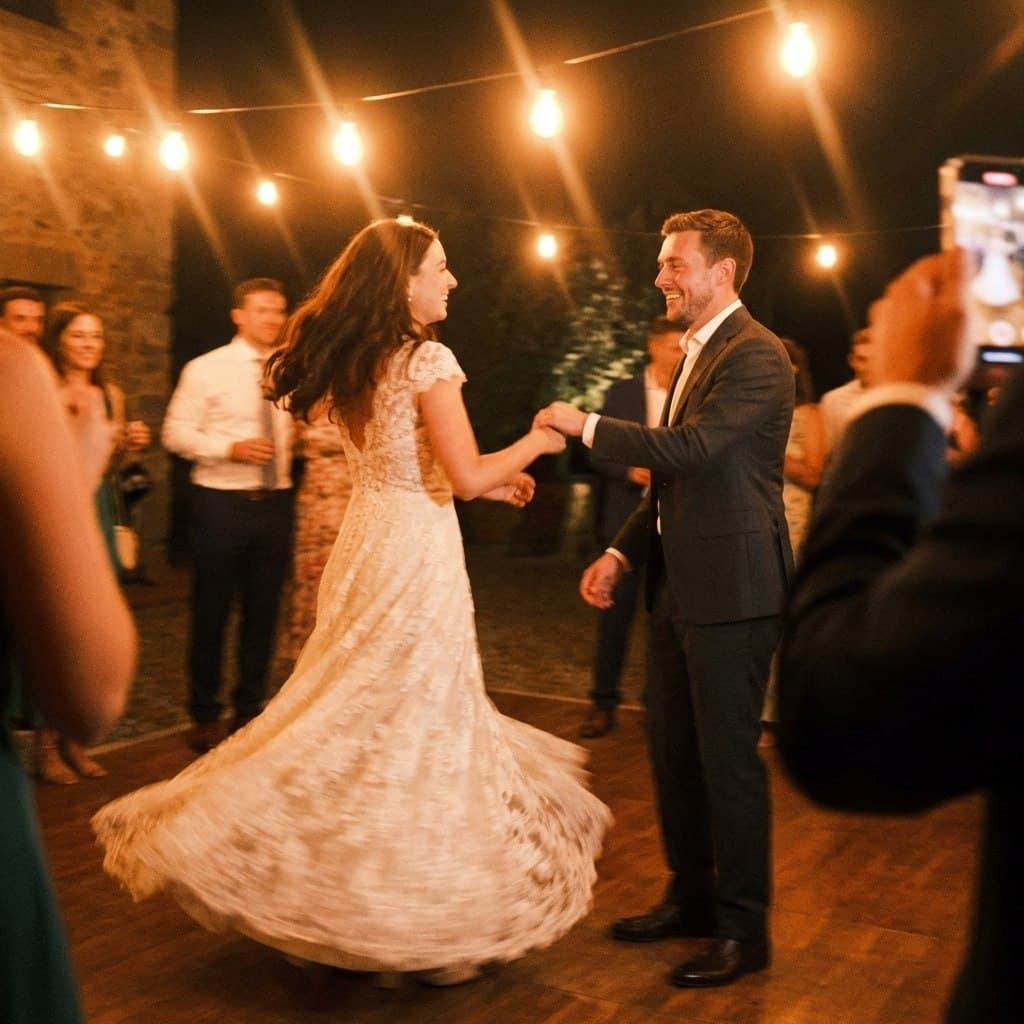
First dance
You guys!!
Applied online. Now set up photos the same way.
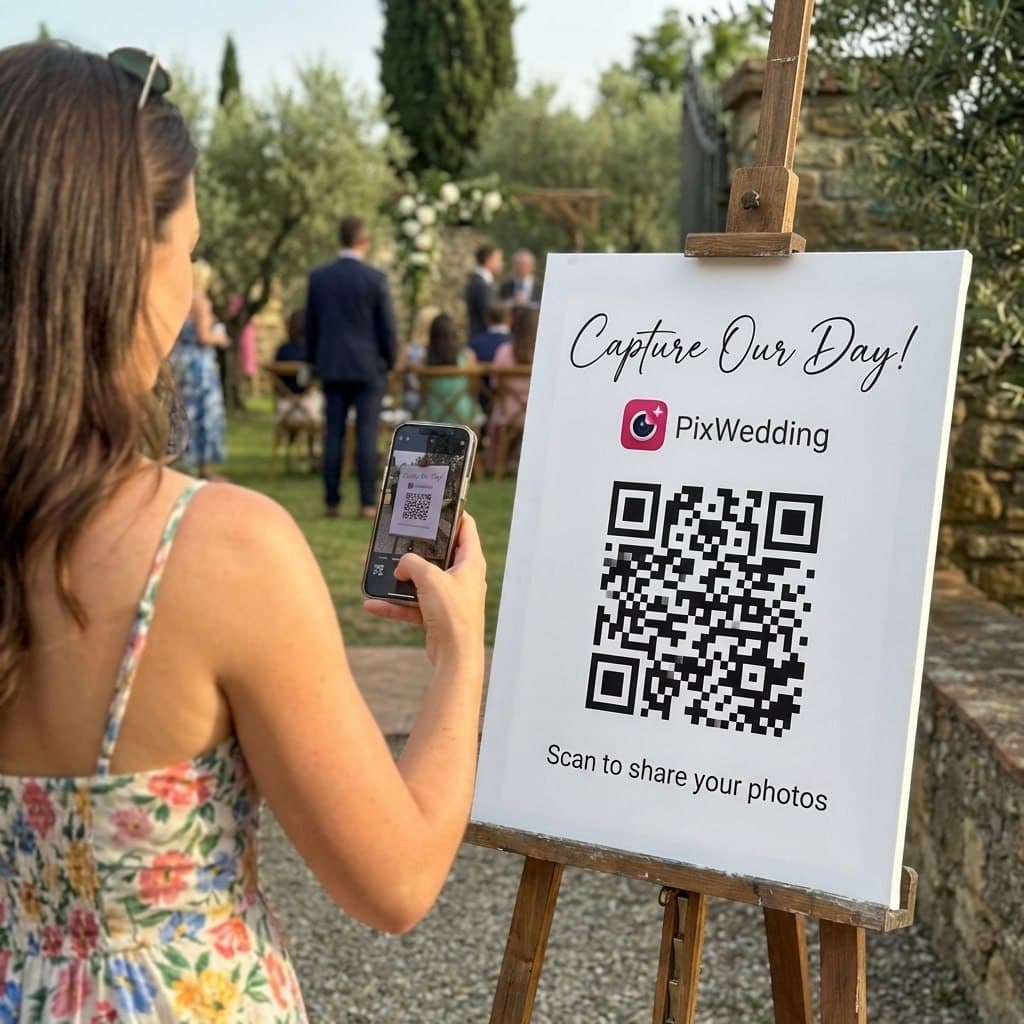
If the license can be handled in a few clicks, so can your wedding photo sharing. One QR code at the venue and every guest's shot lands in one shared album.

From Mom
ALBUM
Emma & Jack
June 14, 2026
634 photos · 94 guests






Why Most Marriage Licenses Still Require an In-Person Visit
The reason online applications do not fully replace in-person visits comes down to identity verification. A marriage license is a legal document that must meet strict anti-fraud standards. Government clerks are required by state law to physically verify that both applicants are who they claim to be, using original government-issued identification. A digital photo of your ID is not sufficient under current US law in any state.
That said, the in-person portion is much shorter when you have pre-filed online. Many couples who pre-file report that their appointment lasted only 10-12 minutes, compared to 40+ minutes for those filling out paper forms on-site. If your county offers online pre-filing, it is almost always worth using even if you still have to show up in person.
- •State law requires physical ID verification, which cannot be done remotely
- •Pre-filing online still saves 15-30 minutes at the office
- •Online payment is accepted in some counties, reducing in-person time further
- •A few counties mail the license to you after the in-person appointment
Tips for a Smooth Online Application Experience
County government websites are not always user-friendly. Knowing what to expect before you start prevents you from abandoning the form halfway through or making errors that cause your appointment to take longer than planned.
- •Use a desktop or laptop browser rather than mobile for government forms
- •Have both partners' information ready before starting (do not start without the second person's SSN)
- •Save or screenshot your confirmation number immediately after submitting
- •Use your legal name exactly as printed on your government ID, not a nickname
- •Do not use autofill for SSN or ID fields; type them manually to avoid errors
- •Save a copy of the submitted application to bring to your appointment in case the county's system loses your record
Explore more free wedding tools
Everything you need to make your wedding day stress-free and unforgettable.
QR Sticker Designer
Design custom print-ready stickers.
How to Collect Guest Photos
5 methods ranked by participation rate and ease.
Get Photos After the Wedding
Message templates to gather guest photos post-wedding.
Share Wedding Photos with Guests
Compare every sharing platform by ease and participation.
Best Way to Get Guest Photos
The single method with the highest participation rate.
How to Make a Shared Wedding Album
Step-by-step setup for every platform.
Alternative to Disposable Cameras
Better, cheaper options than disposable cameras.
Alternative to Wedding Photo Booth
5 cheaper alternatives to a $1,000+ photo booth rental.
Online Marriage License Application FAQs
Everything you need to know about our free tools and how they help your wedding day.
In almost all US jurisdictions, no. Even counties with online application portals still require both partners to appear in person to verify identity, present original documents, and pay the fee (or have the in-person payment confirmed). The online portion pre-fills your forms and saves time at the counter, but it does not eliminate the in-person visit entirely. The only exception is certain remote or virtual officiant services permitted in a handful of states during specific circumstances.
As of 2026, the states (or counties within those states) with the most developed online pre-application systems include California (county-by-county, LA County has a robust portal), Florida (county-by-county, Miami-Dade and Broward have online systems), New York (NYC specifically has an online application), Illinois (Cook County and several others), Texas (major metro counties like Harris, Travis, Bexar, and Dallas), Colorado (most counties), and Washington (King County and others). The landscape changes frequently as counties upgrade their systems.
Most online marriage license applications ask for: full legal name for both partners (exactly as it appears on your government ID), date of birth, place of birth (city and state or country), current home address, Social Security numbers, information about any prior marriages (date and how ended), the name you plan to use after marriage, and the planned date and county of your ceremony. Having this information ready before starting the online form makes the process much faster.
The online pre-filing process itself takes about 15-25 minutes per partner. After submitting, you typically receive a confirmation email with a reference number to bring to your appointment. The time saved at the office is meaningful: without pre-filing, the in-person visit takes 30-45 minutes; with pre-filing, it drops to 10-20 minutes. Some counties process pre-filed applications within 1-2 business days before your appointment, while others handle them on the day.
Yes, county clerk online portals are operated by government agencies and use the same SSL encryption and secure data handling as other government e-services (like IRS filing or DMV renewals). Your SSN is required on the marriage license application by state law; the online form is simply a digital version of the paper form you would otherwise complete in person. Avoid using public Wi-Fi when filling out any government form containing your SSN.
After online submission, you will receive a confirmation email and a reference number. You then schedule an in-person appointment (if not already booked) to appear with your documents. At the appointment, the clerk verifies your IDs against the submitted information, collects the fee, and issues the license on the spot or after a mandatory waiting period. The license is not valid until it has been officially issued at the in-person appointment.